AI skin analysis
Skin scan, in seconds — see pores, texture, tone
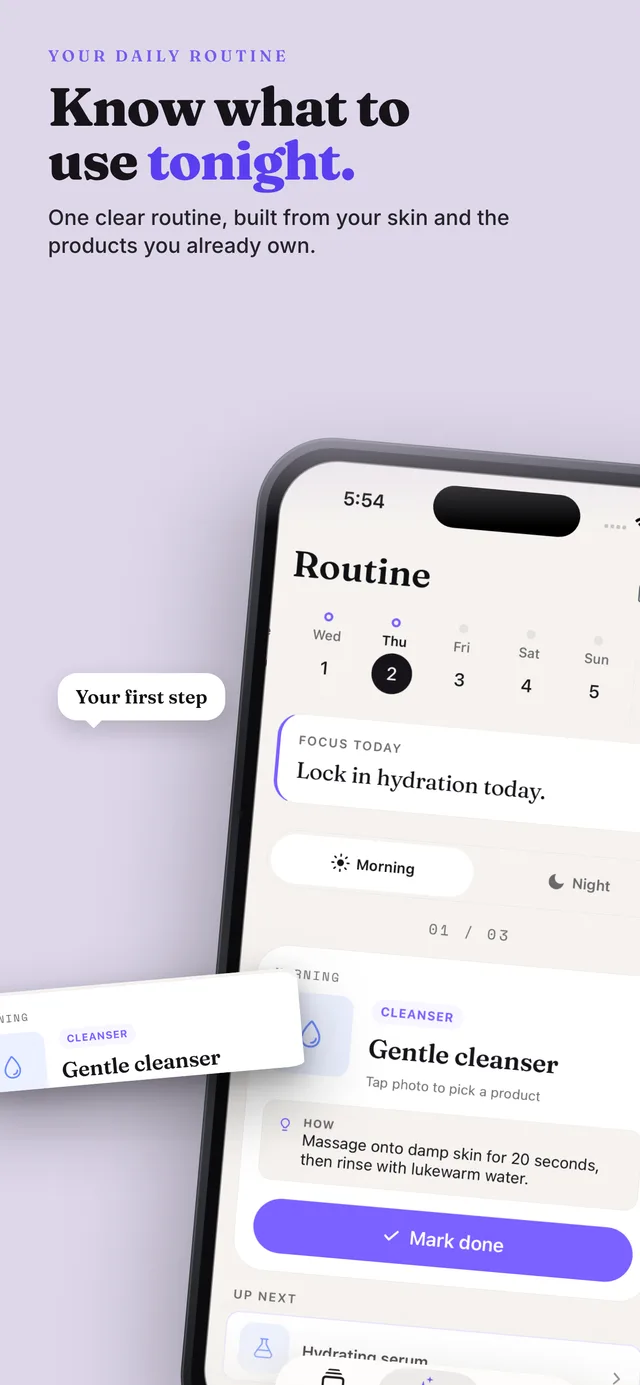
Tap to scan. Get instant insights and a routine you can stick to — no guessing, no overwhelm.
In 10 seconds, you'll get:
- A clear, easy-to-read skin analysis (not a diagnosis)
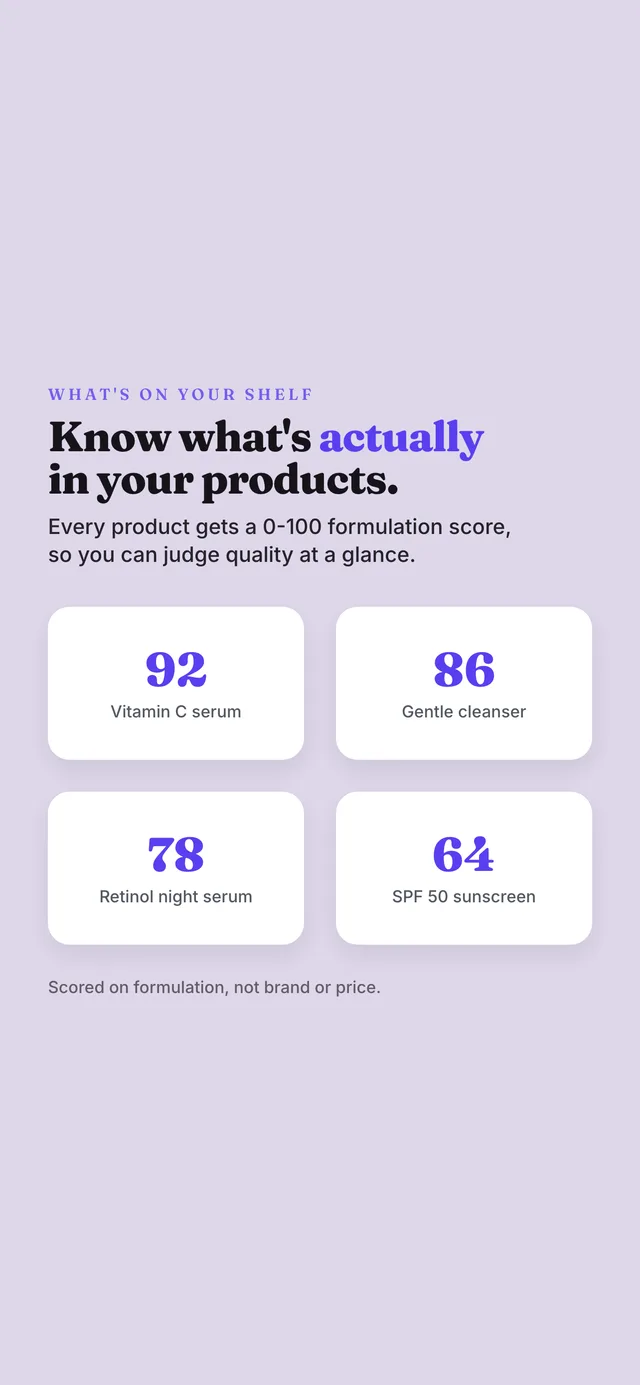
- A simple AM/PM routine tailored to your skin
- Progress tracking for pores & texture over time
How a skin scan works
A quick selfie, guided by simple rules, gives you a consistent baseline.
Capture
Use natural light, keep the phone steady, and avoid heavy filters.
Analyze
We summarize what we see into clear insights and what to do next.
Act
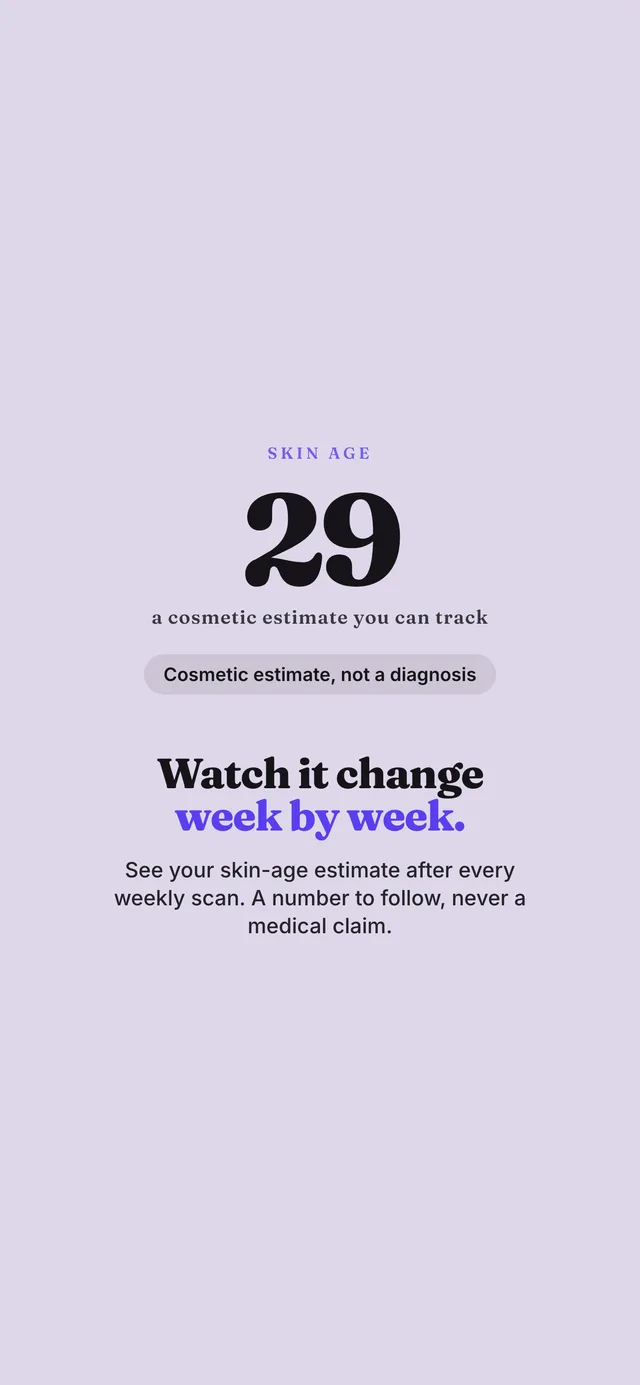
Follow a simple AM/PM routine and re-scan weekly to stay on track.
What a skin scan can (and can't) tell you
Helpful for routine decisions and progress tracking — not for diagnosing medical conditions.
Good for: patterns you can improve
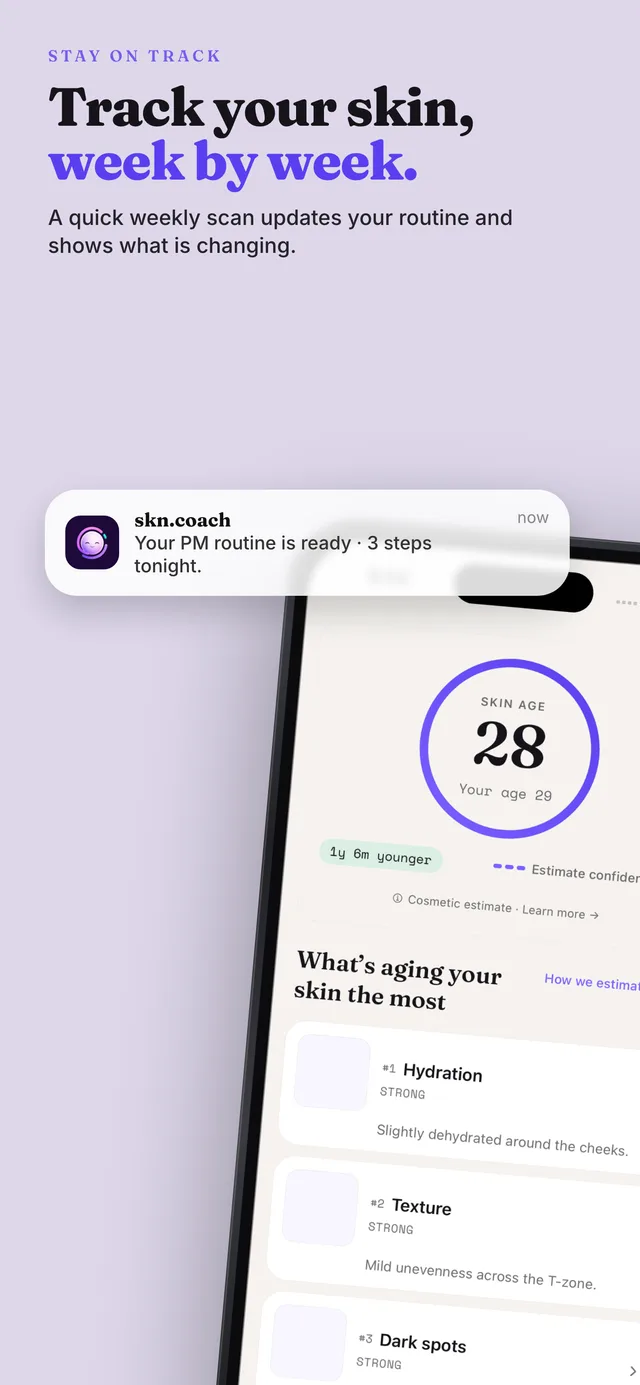
A consistent scan helps you spot changes in visible texture, pores, and overall skin clarity — and keep your routine focused.
- Week-by-week comparisons (same lighting rules)
- Routine simplification (fewer steps, more consistency)
- Tracking "did this help?" across weeks, not days
Not for: medical diagnosis
If you're worried about a rash, severe acne, pain, or rapidly changing spots, a scan isn't enough. Please consult a dermatologist.
- We don't diagnose skin conditions
- Results depend on lighting and photo quality
- Use it for guidance, not certainty
How to get the best scan
Small setup changes = more consistent results.
Lighting
Face a window. Avoid harsh overhead lights and mixed lighting.
Distance
Keep your phone at a comfortable selfie distance and keep your face centered.
Skin prep
Remove heavy makeup. If you can, scan before applying products.
100% Independent.
Always.
We never monetize through brand deals, affiliate links, or ads — so you can trust our recommendations are always aligned with our users.
Privacy-first design
Built to be helpful without being creepy.
No medical claims
We're not a medical device and we don't diagnose skin conditions.
Simple, not spammy
A routine you can stick to beats a 12-step plan you abandon.
Made for consistency
Re-scan weekly to reduce noise and see what actually changes.
More ways skncoach helps
Explore all the features designed to simplify your skincare journey.
Explore skncoach
Pick the next page based on what you want to learn or do.
Common questions
Short answers. No fluff.
How long does a scan take?
Is the skin analysis free?
Do you store my photos?
Can this diagnose skin conditions?
Is there a free skin scan?
Ready to scan?
Get your first scan and a simple AM/PM routine in minutes.